


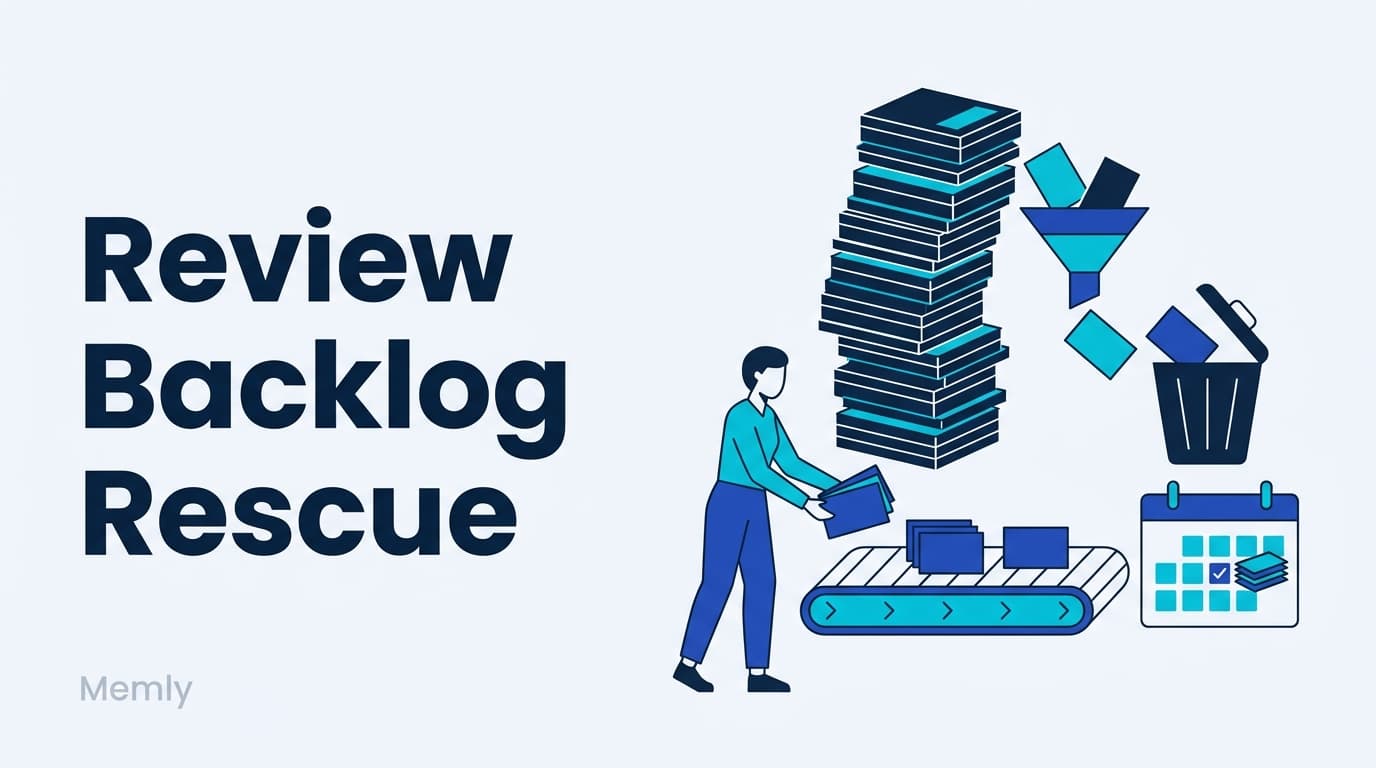
You open the app and it says "Due today: 500." You close it quietly. Three days later the number is over 600. If that sounds familiar, here is what is at stake: the backlog has turned your app into something you are afraid to open, and the card collection you spent months building is about to die of avoidance. The real loss is not the pile. It is the not-looking.
You can restart with a manageable amount today. Recovery time depends on the backlog, card difficulty, and new reviews becoming due.
The short version: do not binge-clear the pile. Cap your daily reviews, spread the backlog over several days, start with the decks attached to upcoming exams, and set aside cards you do not currently need. Reduce or pause new cards while you catch up. Missed reviews are not lost progress; the spaced repetition algorithm simply reschedules around the gap.
Why a big backlog makes you want to quit entirely
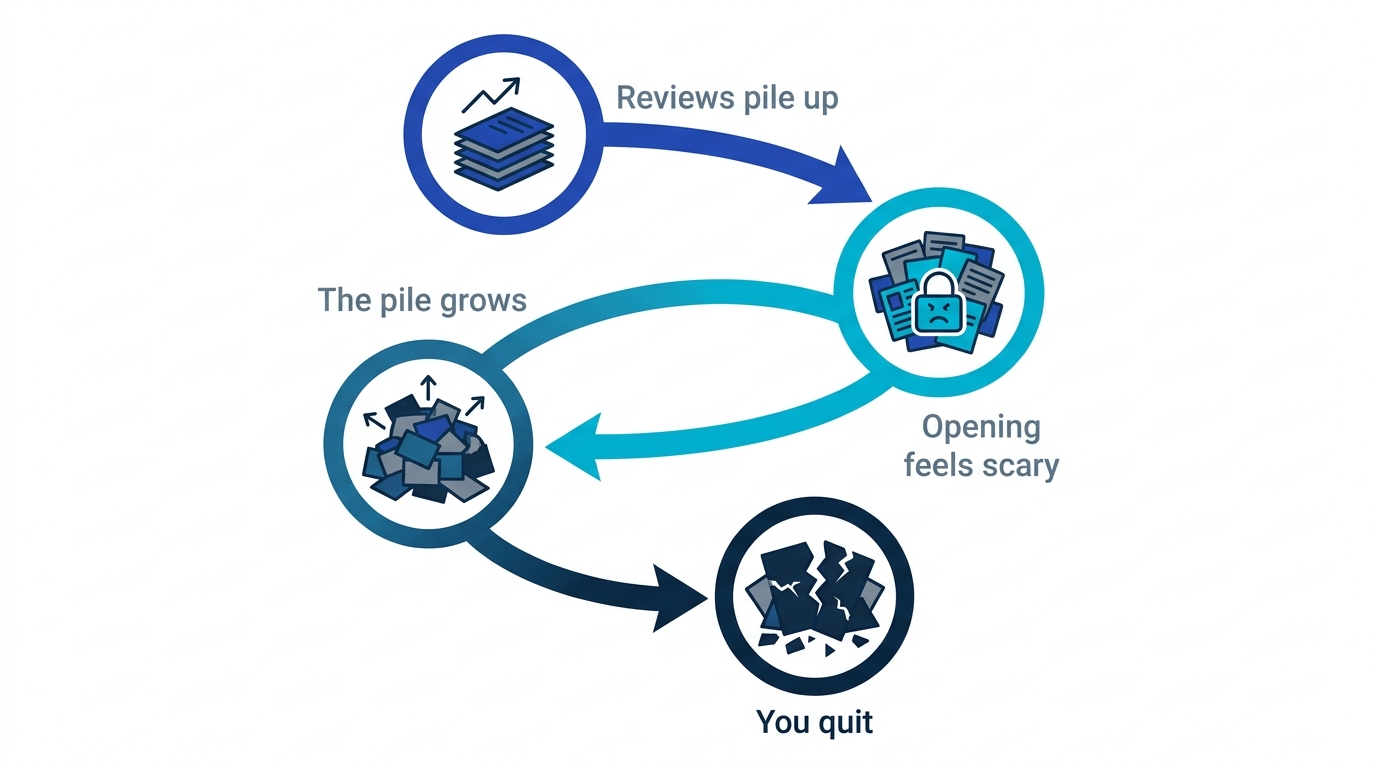
The danger of 500 due cards is not the workload; it is the psychology. The number triggers all-or-nothing thinking: I cannot do all of it, therefore I will do none of it. Repeatedly putting it off can make opening the app feel harder. It is the same trap we dissected in How Perfectionism Quietly Kills Your Studying: when perfect is impossible, doing nothing feels safer than doing some.
Binge-clearing backfires too. By card 300 of a midnight marathon you are no longer recalling anything; an exhausted brain swiping through cards is motion, not retrieval. You pay the full time cost and bank almost none of the memory.
How to clear a flashcard backlog: the 4-step recovery protocol
Step 1: cap the daily dose and spread it out
Replace "I must clear 500 today" with a declared cap, say 100 reviews a day. Even at 100 cards a day, 500 overdue cards may take more than five days because new reviews become due. The cap keeps each recall honest, which is the entire point of reviewing. The rest waits for tomorrow, and that is fine.
Step 2: triage by exam date
You do not owe every deck equal attention. Decks tied to an upcoming exam come first; decks for far-off goals can wait, but forgetting is still possible, so choose when to return to them. Choosing an order dissolves the "all of it" pressure.
Step 3: set aside cards you no longer need
Buried in that pile are cards for an exam you already passed and cards that never earned their place. Use a reversible pause or archive option if your app offers one; delete only what you are sure you no longer need. A small, honest deck beats a large, abandoned one every time.
Step 4: restart tiny
Day one of the comeback is "answer 10 cards." This follows the small-start principle in James Clear's two-minute rule: shrink the first action until starting is easier than avoiding. If starting itself is your recurring enemy, see Study Procrastination Is a Design Problem.
Missed reviews are not lost: trust the algorithm
The biggest misconception in a backlog panic is that the schedule is ruined. It is not. A gap does not erase all your progress. FSRS re-estimates each card's state from how you answer it after the gap. A card you still recall after showing up late often gets a longer next interval, not a shorter one. The schedule bends; it does not break.
So "I fell behind, it is all ruined" is an illusion. Answer honestly based on what you can recall now and adjust the workload if needed. For how to think about repetition counts in general, see How Many Times Do You Need to Review to Memorize Something?.
Backlog behavior: what makes it worse, what fixes it
| Makes it worse | Fixes it |
|---|---|
| Waiting for a day free enough to do it all | Doing a capped share today |
| Midnight binge-clearing 500 cards | Spreading the pile over several days |
| Treating every deck as equally urgent | Exam-linked decks first |
| Dutifully reviewing cards you no longer need | Setting aside cards you do not currently need |
| Zero on weekdays, marathon on weekends | A small daily minimum, even 10 cards |
Every item in the left column is a plan that needs a good day to show up. The right column works on bad days, which are the only kind a backlog tends to produce.
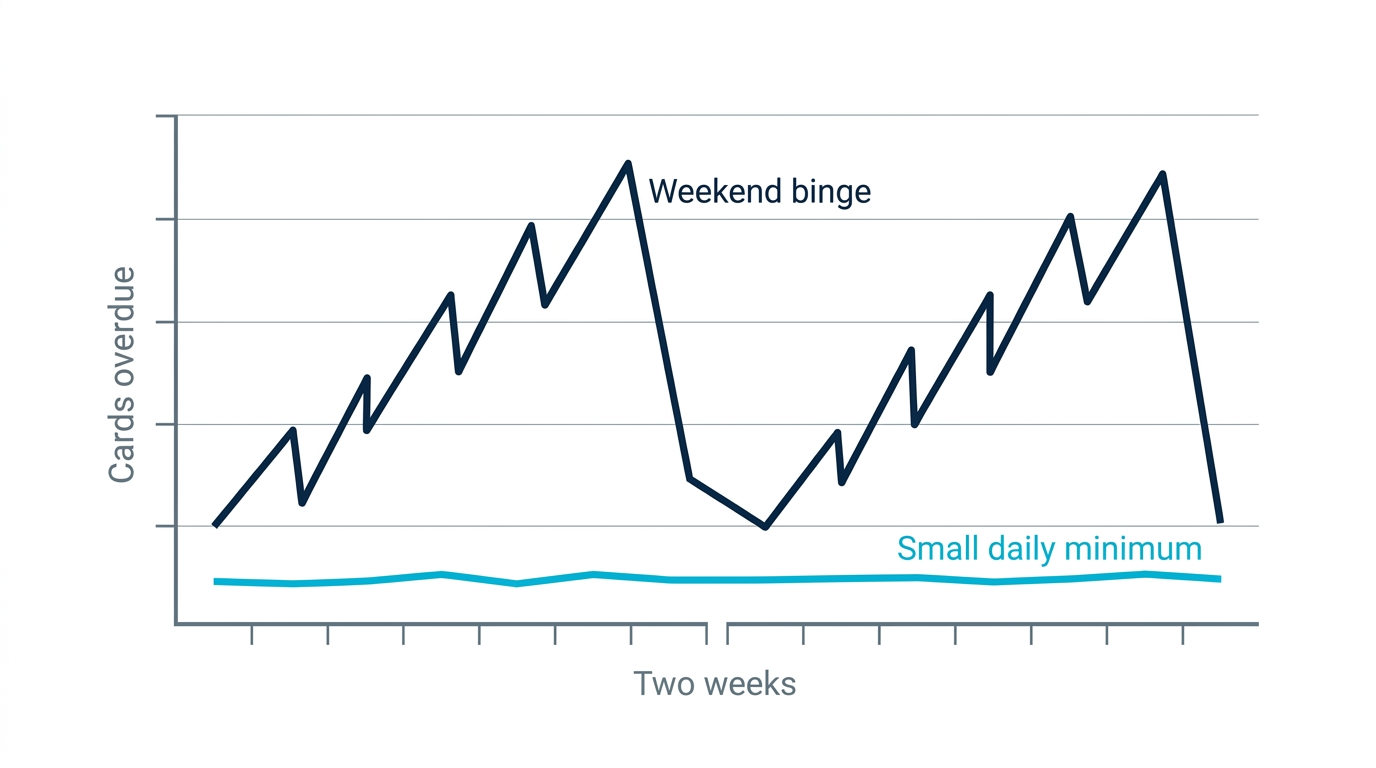
This is an illustrative comparison, not measured data. Even with daily reviews, a backlog can grow if more cards become due than you can finish. Adjust new cards as well as review time.
Prevent another backlog by adjusting new cards and reviews
If reviews keep accumulating, reduce or pause new cards and reconsider which decks need attention now. A small daily session can help you keep going, but it does not guarantee that the queue will shrink. Watch how many reviews become due and choose a workload you can sustain.
How Memly absorbs the chaos for you
- FSRS reschedules around gaps: miss a few days and the algorithm recomputes each card's next interval from your actual answers. No broken schedule, no manual repair.
- See which cards are due: check your scheduled reviews and start with the decks that matter most for your next exam or task.
- The daily minimum fits in dead time: Web, iOS, and Android, so you can fit a short review into a commute.
For the full picture of AI-assisted memorization, see the pillar guide AI-Assisted Memorization: How It Works and the Best Tools.
Start with ten cards, then adjust
Most people reading this will decide to tackle the backlog "next weekend, when there is time." The number will be bigger by then, and scarier.
One action: open the app now, answer 10 cards, and close it. Use the time it takes as a guide for tomorrow's limit. And if you are starting fresh, Memly lets AI build the cards so your energy goes to reviewing, not authoring. Free to try, no credit card required.
