


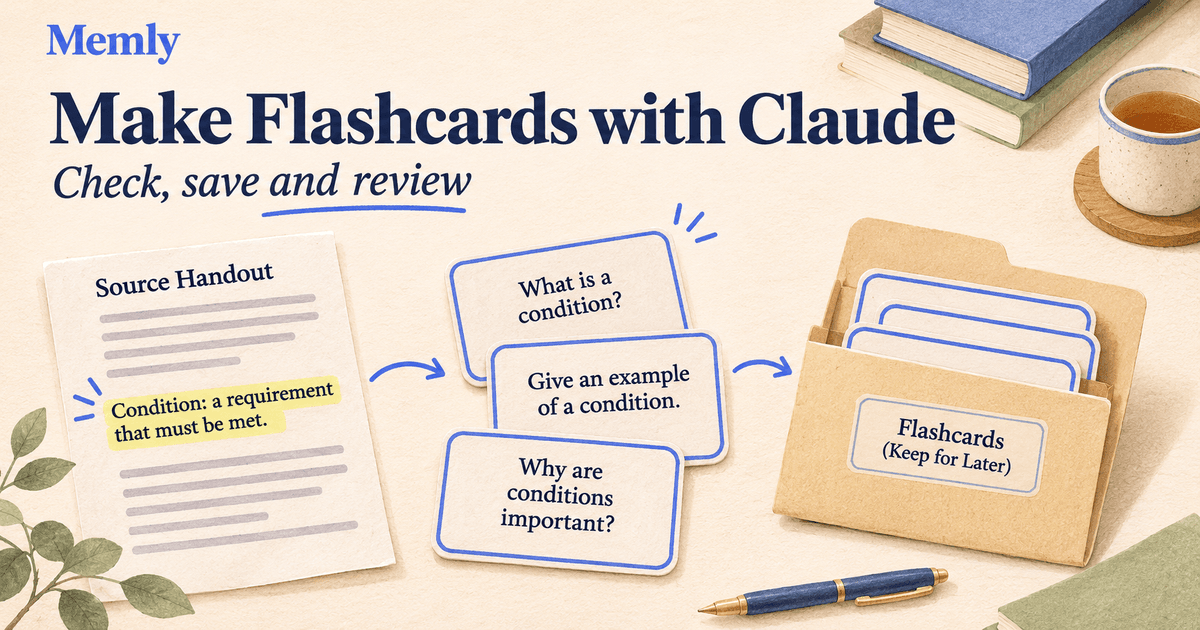
A useful set of Claude flashcards can get buried in a conversation before you study it again. Give the cards a durable home: check each answer against your source, keep the actual data file and reopen the saved cards in the place where you will review them.
The workflow is small on purpose. Start with three questions from a short source, rather than asking for an entire subject at once. A table in chat, a downloadable file and a deck you can actually reopen are three different results. Confirm each one before moving on.
Start with material you can check
Use your own notes or material you are allowed to process. Keep a source title, version and paragraph or page reference with the draft answers. When a question depends on an exception, that exception belongs in the question or answer, not just in the surrounding conversation.
Claude's file-upload guide lists supported document formats, including plain text, CSV and PDF. Check whether Claude can read the specific passage you need, especially if it is an image or scan. For a first test, pasting a clearly labeled text passage avoids having to diagnose a complex document at the same time.
A short original source with a condition to preserve
The Cedar board-game club below is fictional. We wrote this material to make the checks visible; it is not a real club policy or copied learner content.
[A] A member may reserve one game kit per day. [B] A reservation is provisional until the coordinator confirms it.
[C] A kit marked “piece count pending” must stay on the shelf, even if its reservation has been confirmed.
[D] A missing-piece report must include the kit ID and a list of the missing pieces. [E] This sheet gives no rule about late fees.
The important distinction is between a confirmed reservation and permission to take a kit. In this source, confirmation does not remove the piece-count restriction. The missing-piece question also needs both report fields, not just the kit ID.
Ask Claude for a small, source-bound draft
Say what the source is, how many cards you want and which conditions must survive. Ask to inspect the pairs before requesting a file. The following is an editorial prompt template, not an output that we claim Claude has already produced.
Use only the Cedar source. Create exactly three English front/back cards about reservation confirmation, the piece-count-pending restriction and the required missing-piece report fields. Keep the conditions needed to answer. Add the source version and paragraph label to each answer. Show the three pairs for checking before making a file. Separately tell me whether the source states a late-fee amount; do not turn that check into another card or invent an amount.
The full downloadable prompt includes the original passage and later file-format instructions. You can replace the passage with your own permitted material while keeping the source-bound checking rules.
A request for three cards is a scope choice for this example, not a universal recommendation. Expand only when you can inspect the source and the resulting questions. A larger count does not compensate for a missing condition or an ambiguous answer.
Check the answers before asking for an export
Compare the proposed pairs with your source, not just with the previous message. These are manually checked reference answers for the Cedar example. They are not presented as observed Claude output.
| Question | Reference answer | What to keep |
|---|---|---|
| What confirms a provisional Cedar kit reservation? | Coordinator confirmation, from [B]. | The confirmation step |
| May a piece-count-pending kit be taken after confirmation? | No. It must remain on the shelf, from [C]. | The restriction still applies after confirmation |
| What must a missing-piece report include? | The kit ID and a list of missing pieces, from [D]. | Both required fields |
The separate late-fee question cannot be answered with an amount from this source. If a draft invents one, return to [E] and request a correction. If a draft drops a condition, point to the exact paragraph and ask for that pair to be revised. An instruction to avoid guessing is useful, but it is not a guarantee that every answer will be correct.
In one Claude Desktop test on November 23, 2026, the model shown as Opus 5.5 proposed three pairs. It kept coordinator confirmation in [B], the shelf restriction after confirmation in [C], and both report fields in [D]. Its separate reply said the late fee could not be determined from [E]. That result describes this example, not how Claude will answer every question outside a source.
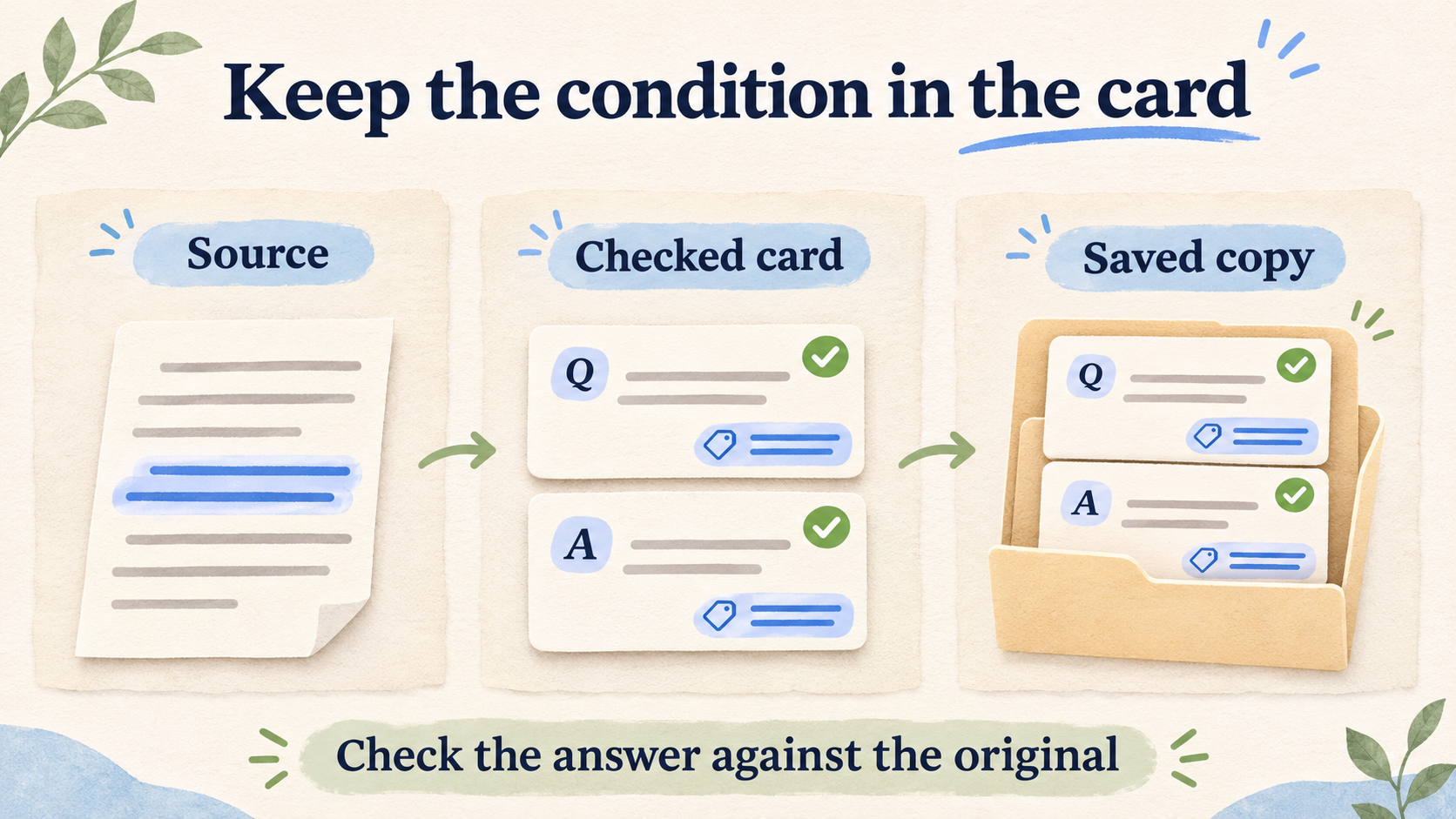
Keep the actual file, not just a file name in chat
Claude's file-creation help describes generating downloadable files in a conversation. Availability and settings depend on the environment. When that capability is available, ask for the checked pairs as a real UTF-8 TSV or CSV file, download it and open it to inspect the contents. A message that mentions a filename is not the same as a downloaded file.
For the three-card Anki example, request two tab-separated fields per row: question and answer. Use one card per line, without a heading row, Markdown fence, bullets or extra explanations. Keep the source label within the answer. For this simple fixture, do not put literal tabs or line breaks inside a field.
If the current environment cannot create a downloadable file, have Claude say so. You can save the actual tab-separated text with a text editor, using UTF-8 encoding. Check that a spreadsheet or editor has not changed the separator or added formatting. Keep the original generated version and a separately named checked version so corrections are traceable.
After checking the Cedar answers, we asked Claude to create the file and used the attachment’s download button. Opening the downloaded file showed three rows, two tab-separated fields per row, no header and no late-fee card. The TSV downloaded from Claude is available alongside the separate editorial reference materials.
Choose where the checked cards will live
Anki: inspect the text import and field mapping
Anki's text-import manual supports UTF-8 plain text with fields separated by tabs, commas or semicolons. It explains field mapping and separator previews. In a dedicated demonstration deck, choose the note type and map the question to the front and the answer to the back. Inspect the preview before importing. With a basic one-way card, three note rows should correspond to the three intended question-and-answer pairs; a reverse-card note type can create a different number of cards.
After importing, reopen all three pairs. Check that the piece-count condition, both missing-piece report fields and the source labels survived. An import count alone does not show that those details are correct. Do not infer media, cloze formatting or review-history transfer from a simple text-card import.
Memly: use its CSV format or an authorized connector
Memly's file-import path accepts CSV, not an Anki APKG package. Keep that separate from the TSV example. For the current two-sided text-card format, the fields are named front and back. Convert the checked rows into a genuine CSV with correct quoting; changing a file extension does not convert tabs to commas.
The optional three-row conversion script shows that format transformation using Python's standard library. We used it to convert the actual download to a three-row CSV with front and back columns. The script checks the shape of the fixture; you still need to check the answers. The import steps here are instructions: this test verified the Claude export and local conversion, but did not import the file into Memly or Anki. Use the current import template in your account, then reopen the saved cards and check them against the source.
Saving through Memly MCP is a separate route
If you already use an authorized Memly connector in Claude, you can ask it to save the approved pairs directly to a clearly named deck. The current Memly MCP setup guide is the owner of the connection steps. It separates free search/read access from the Plus or Pro access needed to create and edit cards. A CSV import and a connector write are different operations; success with one does not prove the other was performed.
Claude's custom connector documentation explains that a connector can read or take actions in an outside service. Review the target account and the specific action before authorizing a write. Ask for the destination deck and saved-card result, then open that deck in Memly. A connected status or a generated table does not establish that the cards were stored.
Keep a source reference with the saved answer whichever route you use. If the source changes, you need a way to find the affected cards and correct them. The broader Memly MCP article covers that integration, while this tutorial focuses on the source, checked pairs and result you can reopen.
Open a real review before adding more cards
Return to the actual destination deck, open a question without its answer and try to answer it. Reveal the saved answer and compare it with the source. For the Cedar condition question, check that confirmation has not been mistaken for permission to remove the kit from the shelf. That is a more useful first check than generating another large batch.
A successful first reveal is evidence about that saved card and that action. It is not a retention measurement, a forecast of your exam score or a comparison of Claude with another model. Keep the trial small enough to inspect and build the review routine from the material you actually intend to study.
The original source, reference answers and fixture notes let you repeat the check. The included reference TSV and CSV are author-written examples, not an observed Claude export or proof that a particular import succeeded.
For question design, see how to write good flashcards. For the source-to-card learning workflow, see the AI-assisted flashcard guide. Start with a checked question, save it where you can reopen it and confirm one real review before expanding the set.
